

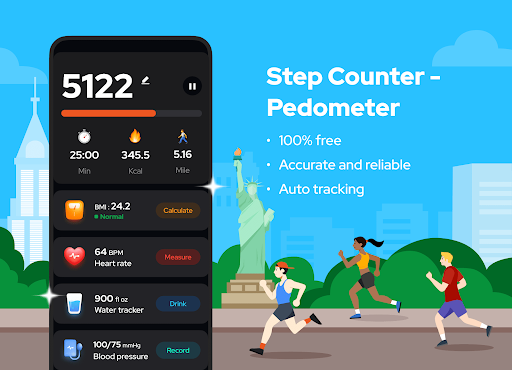
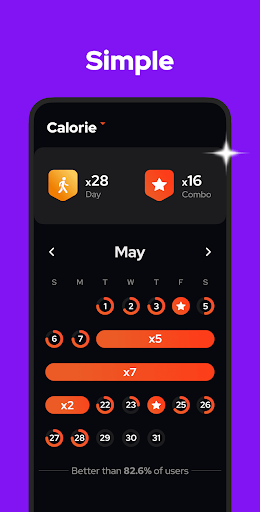
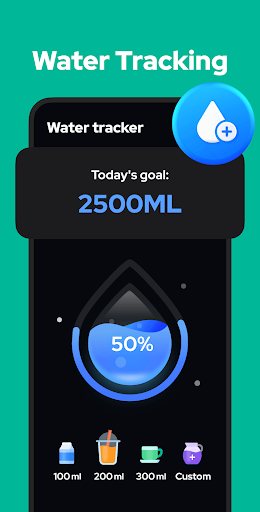
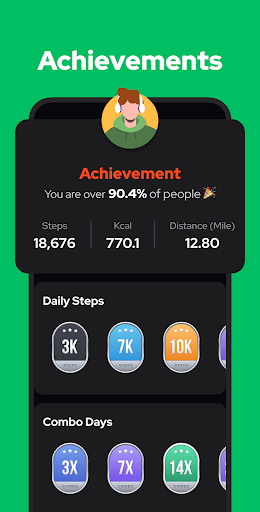
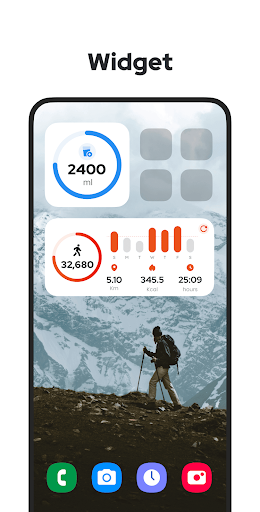
Step Counter – Pedometer is an app designed to automatically track your daily physical activity. It records steps, calories burned, walking distance, and duration using your phone’s built-in sensors, eliminating the need for external wearables or GPS tracking. This design choice contributes to battery saving and allows the app to function entirely offline, without requiring a Wi-Fi connection. The core task it enables is monitoring your walking activity to help you work towards fitness goals, such as a daily step target.
Core Functionality and Tracking
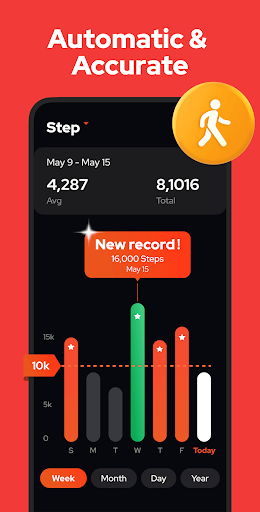
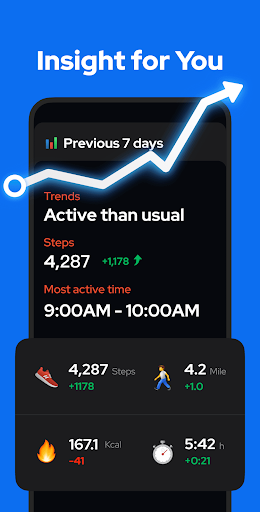
The app’s primary function is to automatically count steps. Users simply tap the START button, and the app begins tracking, even if the phone screen is locked or the device is in a pocket or hand. It tracks various metrics beyond just steps, including calories, walking distance, duration, and speed. These data points are then presented in charts, allowing users to view their exercise trends over different periods, such as by day, week, month, or year.
Data Management and Privacy
Step Counter operates without requiring user logins, ensuring that all features are accessible directly. The app states that user data is kept private and is not disclosed to any third parties. For data security and continuity, the app supports backing up user data to the Cloud and restoring it whenever needed, which is useful when switching devices.
Controls and Customization
Users have control over the tracking process, with the ability to pause background step counting. This feature is particularly useful to prevent unwanted step accumulation, for example, while driving. The app also allows for adjustment of the built-in sensor’s sensitivity, which can be configured to improve the accuracy of step counting.
Recent Enhancements
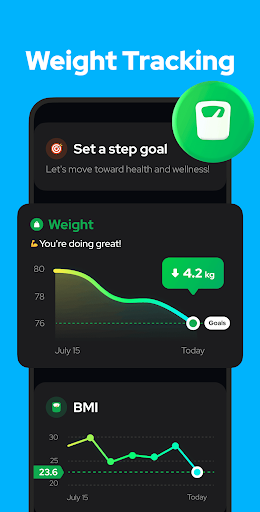
With version 1.6.2, a new weight report page was added to the app, providing users with a dedicated section to view and track their weight data. This complements the existing activity tracking by offering another dimension for monitoring personal health and fitness progress.


Write a review